AI Lead Capture Widget: Why Static Forms Are Killing Your Conversion Rate
How progressive data collection is replacing the 10-field contact form — and what to use instead.

Core Insights
Every field added to a static form reduces the probability of completion — forms with more than 3 fields lose up to 50% of potential submissions.
Progressive data collection only asks for what's missing — reducing friction and making the experience feel like a conversation, not a data-mining exercise.
Maedo's Lead Capture Agent works in both chat and voice mode — capturing intent from every visitor regardless of how they prefer to interact.
After capture, the full pipeline activates automatically: CRM sync, follow-up trigger, and admin notification — all without manual input.
The contact form is the single biggest point of conversion failure on most websites. Every field you add reduces the probability that a visitor completes it. Yet your sales team needs data. This conflict — the Form Paradox — is what the AI Lead Capture Widget was built to solve. Not by removing the data collection, but by making it feel like a conversation instead of a census.
Why Traditional Forms Fail in 2026
Static forms are impersonal, demanding, and context-blind. They treat a first-time visitor the same as a returning lead who has already provided their name and company. They ask for everything upfront before delivering any value. And they have no mechanism for understanding why a visitor stopped filling them out — only that they did.
The Power of Progressive Data Collection
Maedo's approach is built around one principle: only ask for what you don't already know. In a first session, the agent might capture a name and email. When the visitor returns, it doesn't ask for those again — instead, it asks about their specific need today, adds that to the contact record, and deepens the profile. Over multiple sessions, a complete picture of the lead is built without ever creating the friction of a long form.
- Session 1: Visitor arrives on your pricing page. Agent captures name and email through a natural 'Should I send you the pricing breakdown?' conversation.
- Session 2: Visitor returns to the feature page. Agent already knows their name — asks 'What specific feature are you evaluating?' and logs the answer to HubSpot.
- Session 3: Visitor reaches checkout. Agent has full context — name, email, interest area, product viewed — and can offer a targeted incentive or connect them to a sales rep.
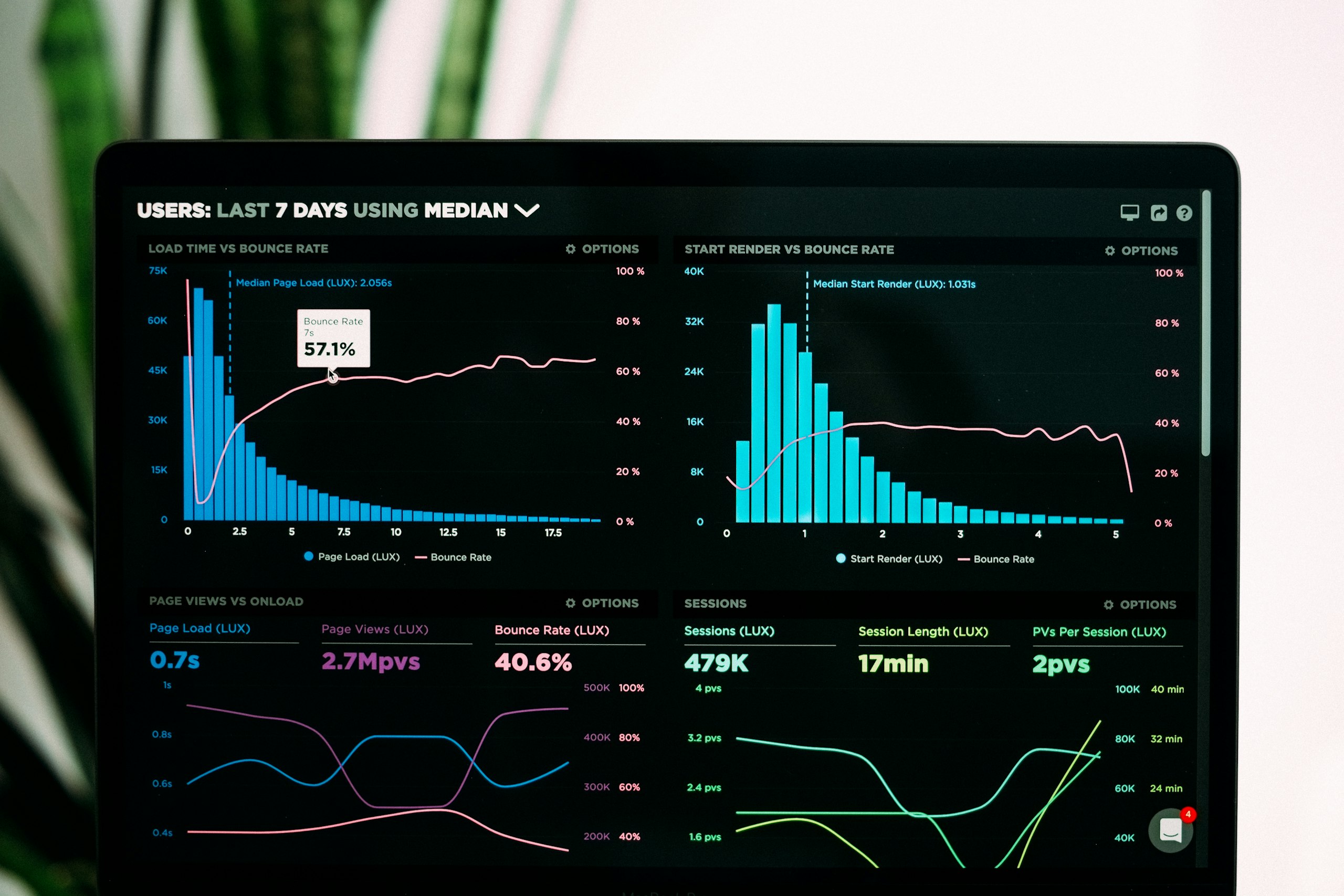
FIG 8.1 — CONVERSION RATES: STATIC FORM VS AI LEAD CAPTURE AGENT
Chat + Voice: Capture Leads However the Visitor Prefers
Maedo's dual-mode widget is the only lead capture solution that offers both chat and voice in a single embed. Mobile users who don't want to type can speak their intent. Visitors with complex questions can switch from text to voice mid-conversation. This multi-modal approach ensures you capture the full spectrum of visitor intent — including the significant share of your audience that would never complete a text form but will happily speak for 30 seconds.
"Stop treating your visitors like entries in a database and start treating them like people in a conversation."
— Maedo Design Lead
What Happens Immediately After a Lead Is Captured
Capture is not the end of the process — it is the starting gun. When Maedo's Lead Capture Agent collects a contact, the following happens automatically, in parallel, without any manual steps:
- CRM Sync: A new contact is created (or updated) in HubSpot, Salesforce, Zoho, or Shopify with full conversation context and behavioral data from the session.
- Follow-Up Trigger: The Follow-Up Agent registers the lead and begins monitoring for the next high-intent action — ready to re-engage at the right moment.
- Admin Notification: If the lead meets a high-intent threshold (pricing page visit, enterprise company size, repeat visitor), your team receives an immediate Slack or email alert.
- Email Sequence Start: If connected to Mailchimp or HubSpot, the captured email is added to the appropriate onboarding or nurture sequence based on the intent the agent detected.
- Lead Scoring: The behavioral data from the session (pages visited, time on site, questions asked) is used to calculate a lead score that is synced to your CRM immediately.
How to Deploy the Lead Capture Agent on Your Website
Deployment is a single embed script added to your website's header. From the Maedo dashboard, you configure your first Lead Capture Agent: define its goal, select which tools it has access to (CRM, email platform, notification channel), and set your first behavioral trigger. The agent is live within minutes. No developer needed for the standard setup. Custom tool integration via OpenAPI is available for teams who want deeper customization.